AI Background Remover
Use our AI background remover online to remove background from image files in one click. Export clean transparent PNG cutouts for portraits, products, and photos.
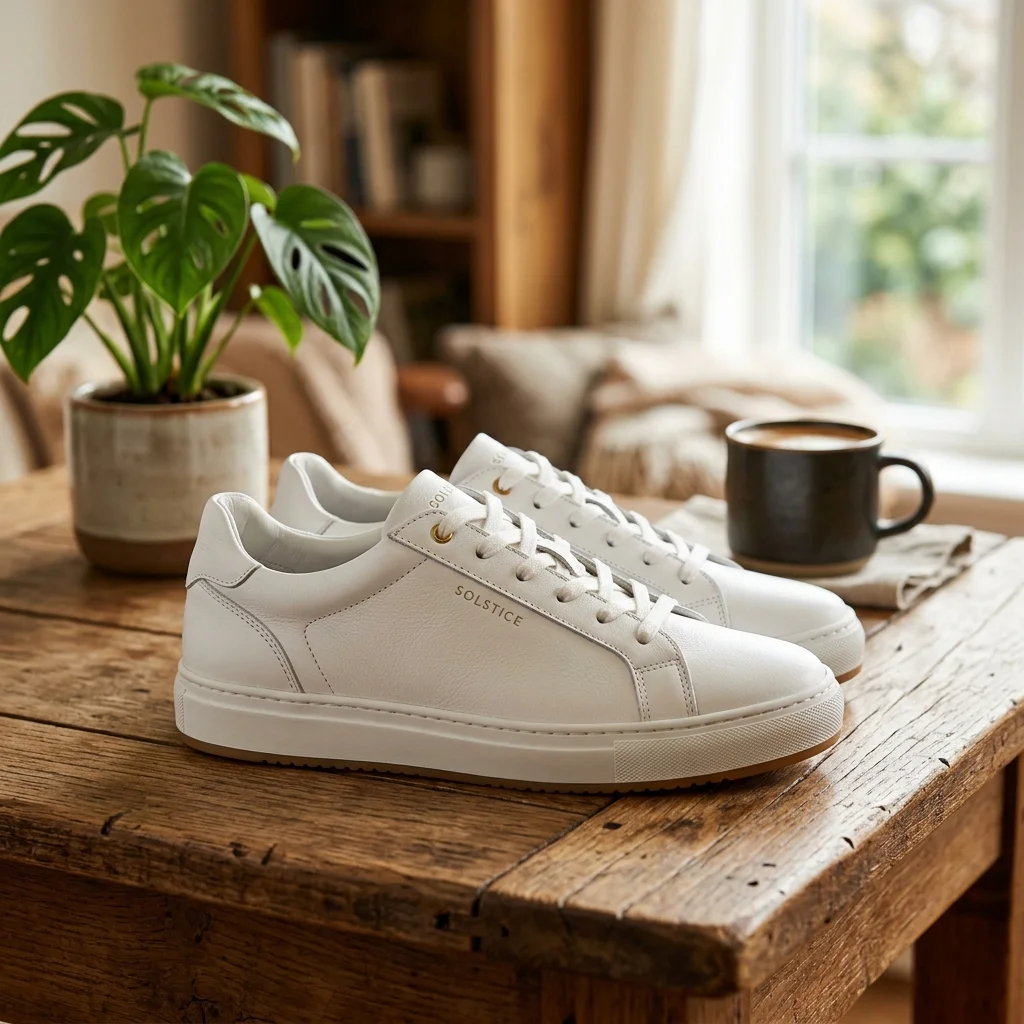
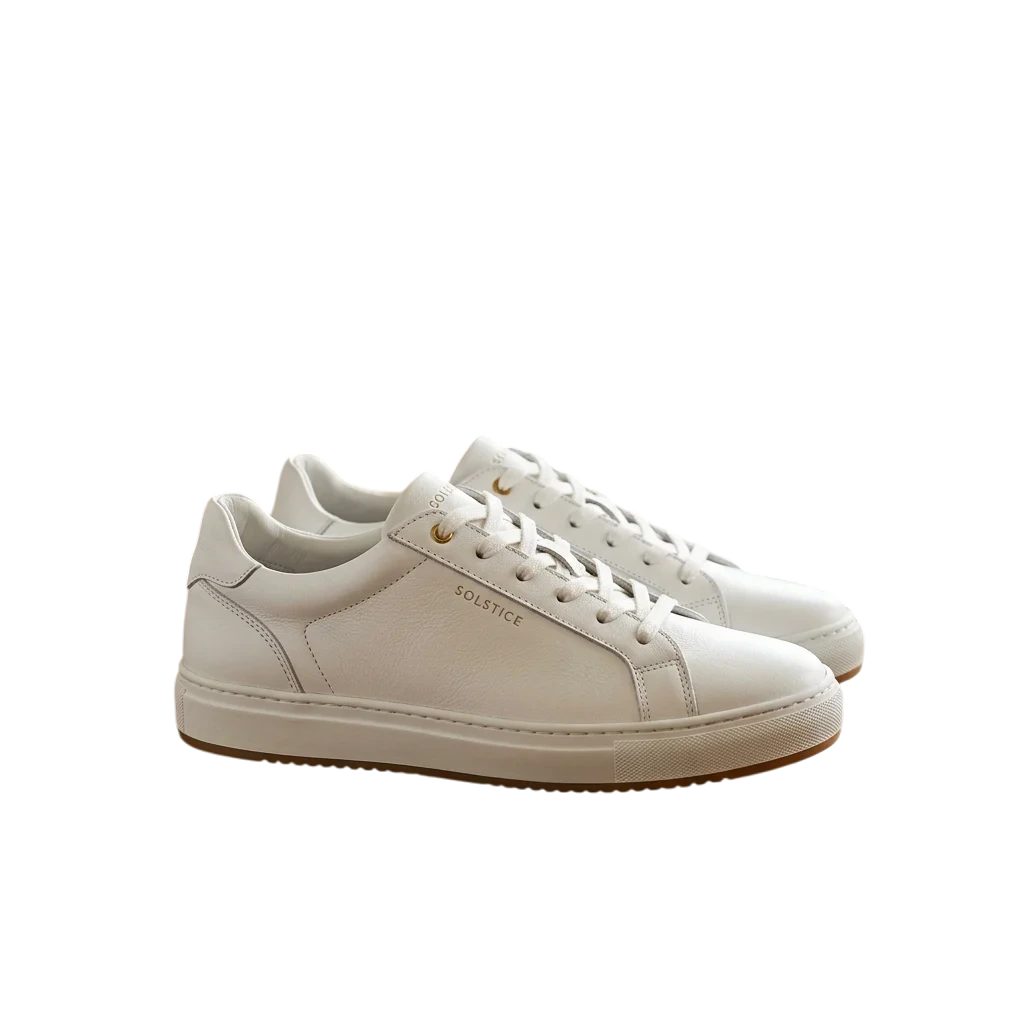
See an Image Background Remover Handle Real Photos
This AI background remover online preserves hair, edges, fur, and semi-transparent details.


Portrait & Headshot Cleanup
Remove background from image portraits while preserving fine hair strands, skin edges, and natural lighting.
Product Photography
Use this product image background remover to isolate items from studio scenes for clean e-commerce photos.


Pets & Animals
Separate pets from busy backgrounds while keeping fur edges and whiskers intact.
Remove Background in 3 Steps
Use the AI background remover online to remove background from image files, isolate the subject, and download a transparent PNG.
Upload Your Image
Drag and drop any photo, or click to browse your files. The image background remover detects the subject automatically, with no manual selection.
AI Processing
Our background remover online uploads your image, separates the subject, and removes the background with high precision.
Download Result
Download a transparent PNG with the background removed, ready for product photos, profile pictures, and design edits.
Why Choose Our AI Background Remover?
Our background remover online delivers clean cutouts, transparent PNG exports, and reliable subject separation.
Transparent PNG Downloads
Upload one image, remove background from image content in one click, and download a ready-to-use transparent PNG.
No Account Required
Start removing backgrounds immediately. No email, no registration.
Unlimited and Free Forever
Use the background remover online on as many photos as you need, free forever.
Works on Every Device
Use on desktop, laptop, phone, or tablet. Any modern browser works.
Where Background Removal Helps Most
Use this photo background remover for product photos, profile pictures, and any design work that needs a transparent PNG.
Product Photography
Create clean product images with transparent backgrounds for your store, marketplace listings, and product ads.
Social Media Content
Remove background from image posts for profile photos, social graphics, and fast content repurposing.
Graphic Design
Use this image background remover to isolate subjects for flyers, posters, presentations, and creative edits.
Documents & Presentations
Place clean cutouts into documents and presentations without distracting backgrounds.
Works on Desktop, Mobile, and Any Browser
Use the background remover online anywhere you can open a modern browser.
Desktop
Full background remover workflow on Windows, macOS, and Linux with drag and drop.
Mobile
Remove background from image files on the go from iPhone and Android devices.
Any Browser
Chrome, Safari, Firefox, and Edge support this image background remover with no plugins needed.
AI Background Remover FAQ
How can I remove background from an image for free?
+
Upload your image, let the AI background remover process it, and download the transparent PNG result. This background remover online is free to use, with no signup or hidden cost.
Are my images uploaded to a third-party background removal service?
+
Yes. Your image is uploaded during processing and returned as a transparent PNG result. Do not upload sensitive images if you do not want them handled by a third-party model provider.
What image formats can I upload to this image background remover?
+
You can upload PNG, JPG, and WEBP images to this image background remover. After processing, the background remover returns a transparent PNG that works well for product photos, profile pictures, and layered design work.
Can this AI background remover handle hair, fur, and fine edges?
+
Yes. This AI background remover is designed to preserve hair strands, fur, whiskers, and other fine edges when you remove background from image files, so the final cutout looks cleaner and more natural.
How do I make a transparent PNG from a photo?
+
Upload the photo, remove the background, and download the result as a transparent PNG. You can then use it for product photos, profile pictures, presentations, and layered designs.
Does this background remover online work on iPhone and Android?
+
Yes. This background remover online works on iPhone, Android, tablets, laptops, and desktop browsers. You can upload a photo, remove background from image files, and download the transparent PNG result from any modern device.
How long does it take to remove background from an image?
+
Most image background remover jobs finish within a few seconds. Smaller and simpler photos process fastest, while larger files or subjects with hair, fur, or busy edges can take a little longer.
Can I use this background remover for commercial work?
+
Yes. You keep ownership of the images you process, so you can use this background remover for commercial work, client projects, product listings, marketing assets, and other business content.