AI Image Upscaler
Upscale low-resolution images, sharpen details, and export clearer high-resolution results using AI.
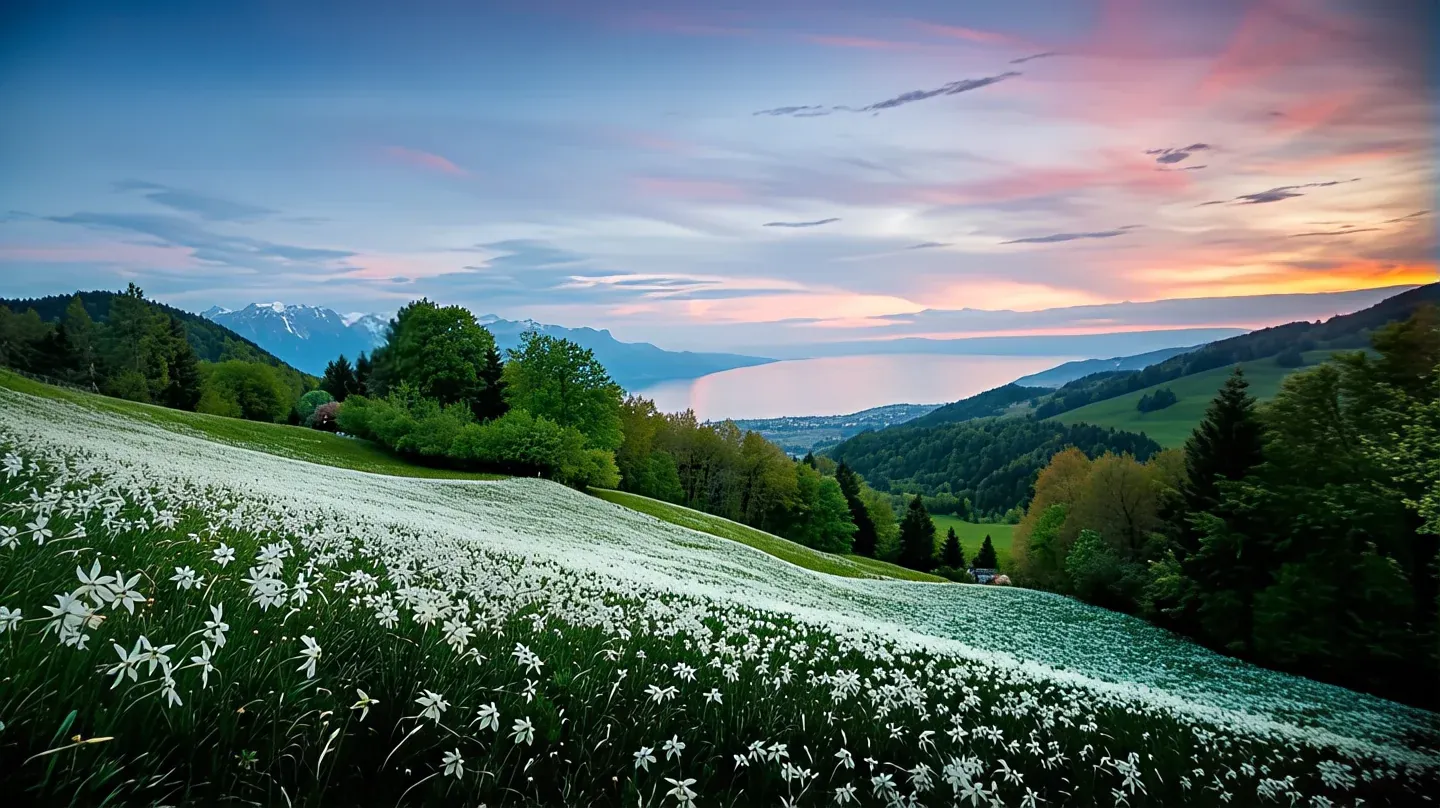
AI Rebuilds Edges, Textures & Fine Details
Compare before and after results across common use cases.
Landscape Enhancement
Smoother sky gradients, sharper foliage, and clearer building outlines.
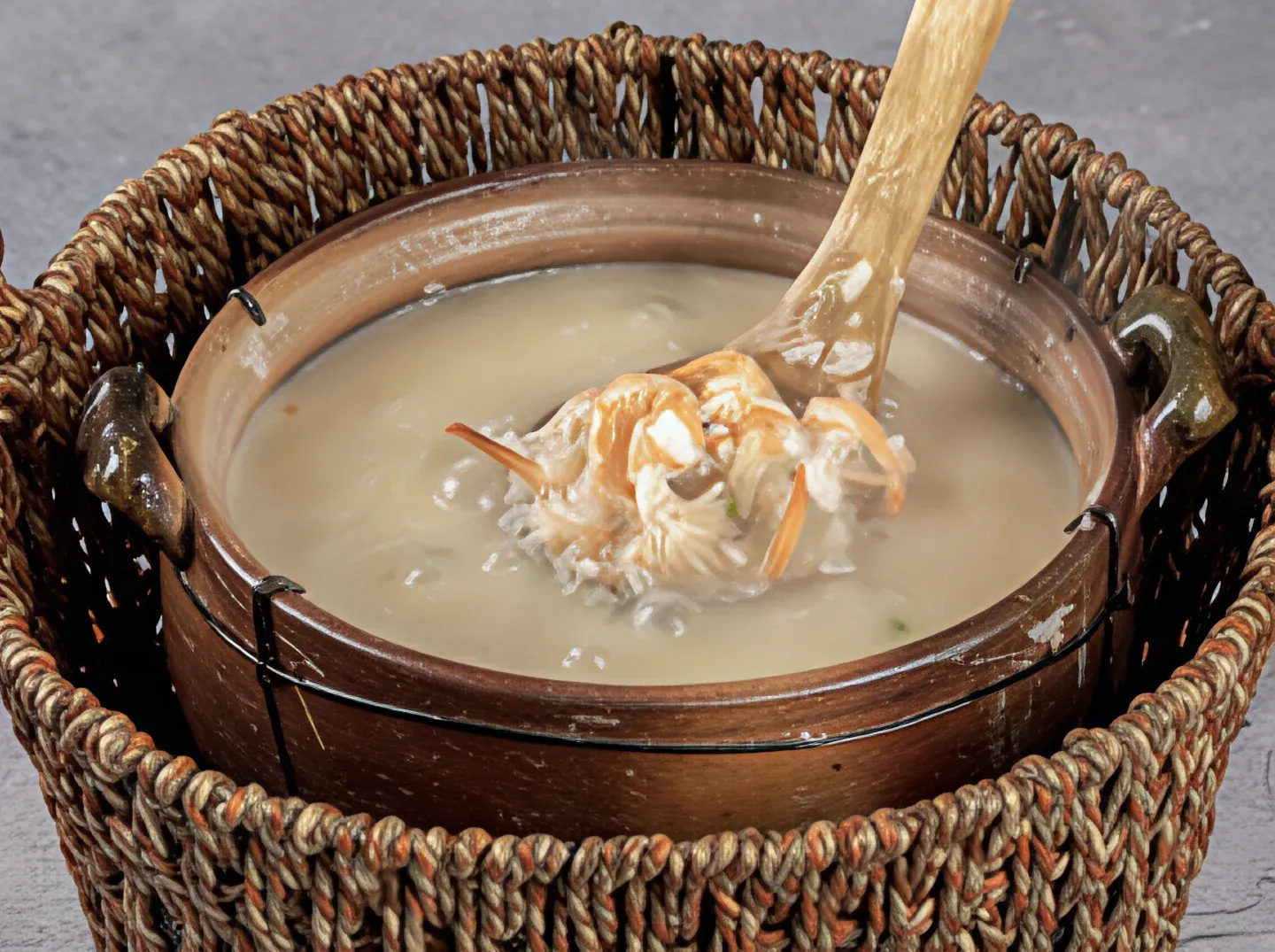
Food Photography
Rich surface textures, sauce glossiness, and ingredient layers revealed.
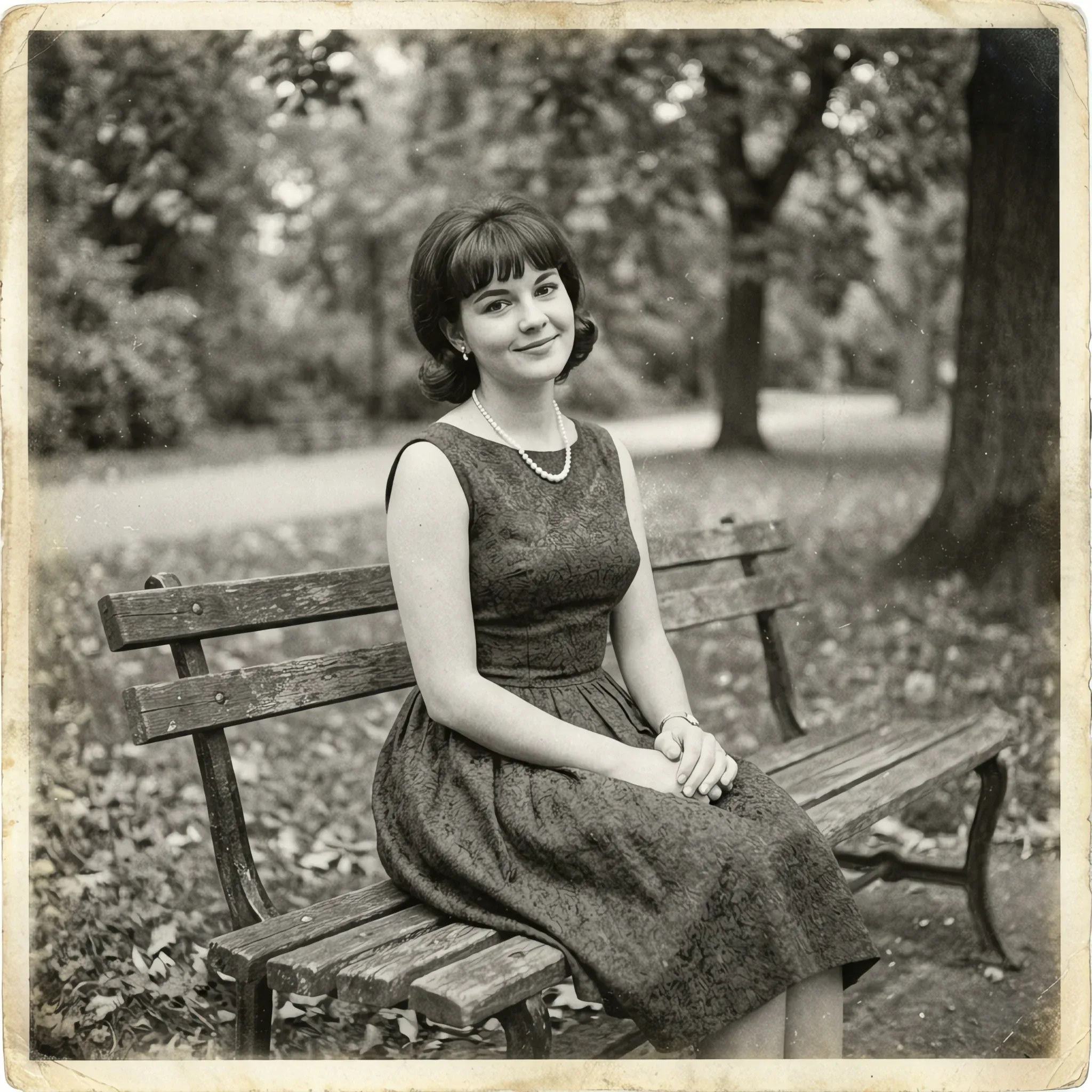
Old Photo Restoration
Breathe new life into archived family photos with recovered detail.
Upscale Images in 3 Steps
Our AI image upscaler enhances resolution while preserving detail. Upload, process, and download clearer images.
Upload Your Image
Drag and drop any low-resolution image, or click to browse your files.
AI Enhancement
The AI upscaler analyzes your image and intelligently enhances resolution while preserving detail and texture.
Download Result
Get your upscaled image with improved clarity and detail. Perfect for print, web, or any high-resolution needs.
Why Choose Our Image Upscaler?
Our AI image upscaler delivers sharp, detailed results perfect for any project.
No Server Uploads
All processing happens in your browser. Your images never leave your device.
No Account Required
Start upscaling immediately. No email, no registration.
Unlimited and Free Forever
Upscale as many images as you need, free forever.
Works on Every Device
Use on desktop, laptop, phone, or tablet. Any modern browser works.
Where Image Upscaling Helps Most
Perfect for enlarging photos while maintaining quality, enhancing details, and preparing images for print or high-resolution displays.
Photo Enlargement
Enlarge low-resolution photos to print quality while preserving sharp details and realistic textures.
Social Media & Web
Upscale images for higher resolution displays, social media platforms, and web content that needs to look crisp.
Graphic Design Projects
Prepare images for posters, flyers, and design projects requiring high-resolution source materials.
Archive & Vintage Photos
Restore and enlarge old photos, scanned images, and vintage pictures with AI-enhanced detail recovery.
Works on Desktop, Mobile, and Any Browser
Use the image upscaler anywhere you can open a modern browser.
Desktop
Full experience on Windows, macOS, and Linux. Best for working with large images.
Mobile
Upscale images on the go. Perfect for enhancing photos taken on your phone.
Any Browser
Chrome, Safari, Firefox, Edge — works on all major browsers with no plugins needed.
AI Image Upscaler FAQ
How much can I upscale an image?
+
Our AI upscaler can enhance images up to 4x their original resolution while maintaining quality.
Is this image upscaler free?
+
Yes, our AI image upscaler is completely free to use. There are no signup requirements.
Are my images safe?
+
Your privacy is guaranteed. All processing happens 100% in your browser.
What formats are supported?
+
You can upload images in PNG, JPG, and WEBP formats.
Will upscaling reduce quality?
+
No. Our AI intelligently enhances details and sharpness, actually improving perceived quality.
How fast is the processing?
+
Processing typically takes just a few seconds depending on image size.
Can I use upscaled images commercially?
+
Yes, you own the images you process. Use them for any personal or commercial purpose.
Does it work on mobile?
+
Yes! Works on any device with a modern browser.